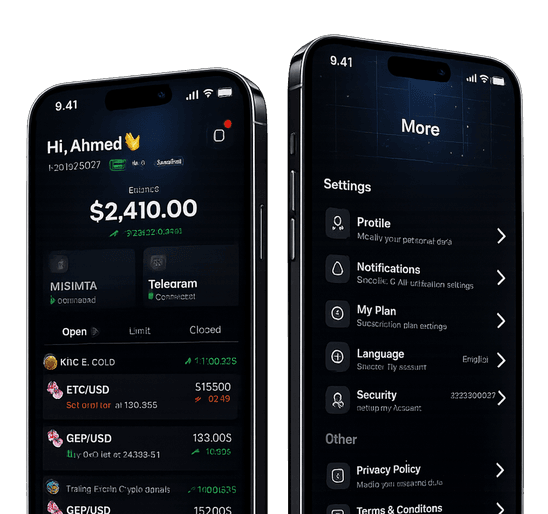
Use Tragram to keep Telegram signal trading organized, reviewable, and easier to manage across accounts.

Telegram signals, executed on your terms
Connect Telegram channels to MT4/MT5 without giving up control
Tragram follows the channels you choose, applies your rules, and routes eligible trades to your MT account with clear review and pause controls.
Before a trade goes live
Signal review, risk checks, and execution rules stay visible
0%Execution visibility
User-controlled workflow
Preview

About Tragram
Automation that stays visible from signal to execution
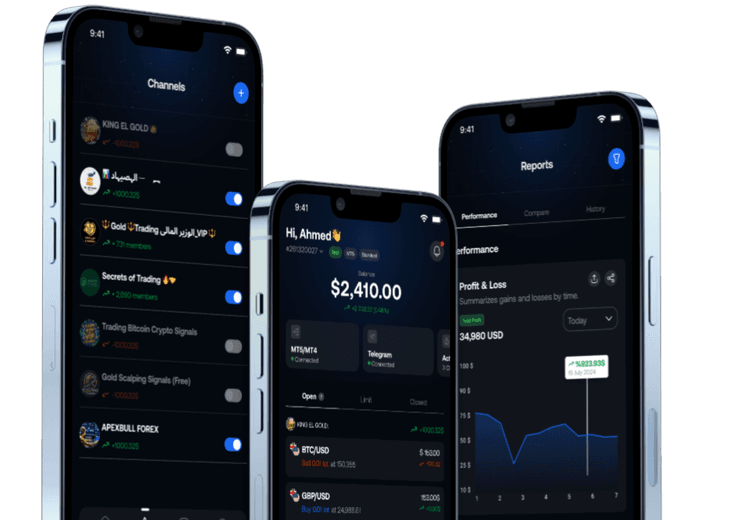
Tragram helps retail traders follow Telegram signals without handing over the wheel. You choose channels, set rules, and decide how much automation is allowed.

Rules before execution
Set approvals, risk limits, symbol filters, and execution behavior before trades reach MT4/MT5.

A clear record of every action
Keep signal intake, trade decisions, and account activity in one visible workflow.
Queue
Signals reviewed with user approval
TG
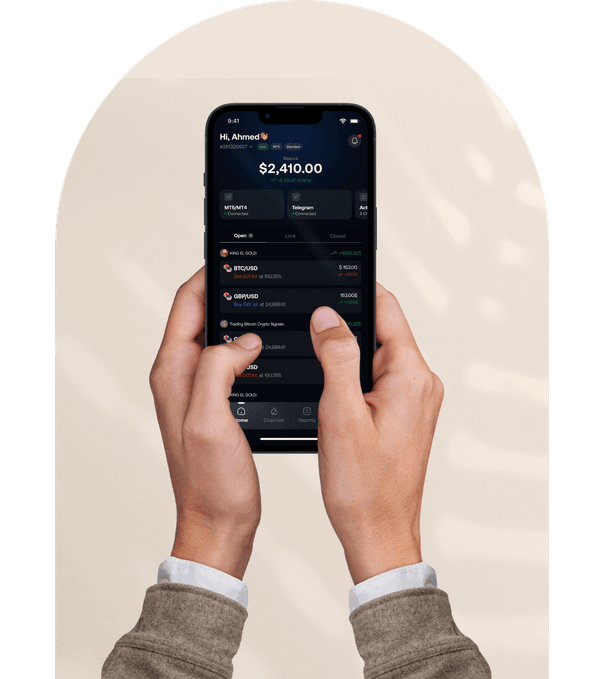
Connected Telegram channels
MT4/5
Linked MT accounts

Core Features
The controls signal followers actually need
Connect the channels you trust

Select Telegram channels and keep signal intake organized in one place.
Link MT4/MT5 securely

Connect your trading account and route eligible signals through your own rules.
Set risk and execution rules

Choose approvals, symbol filters, sizing behavior, and trade limits per channel.
See what happened and why

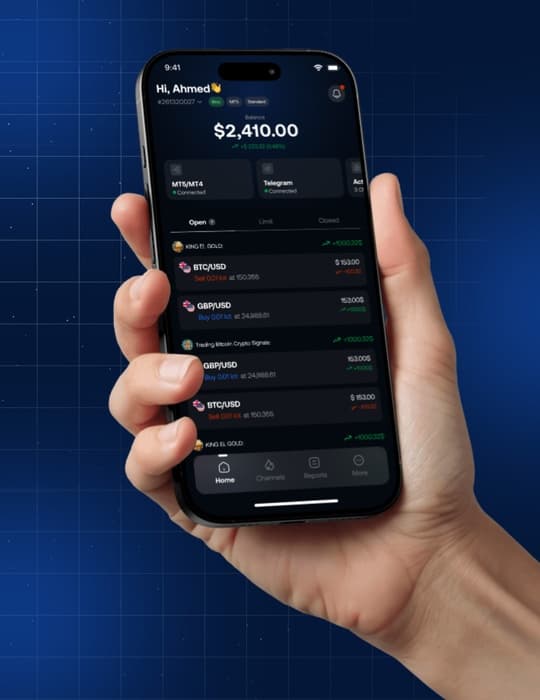
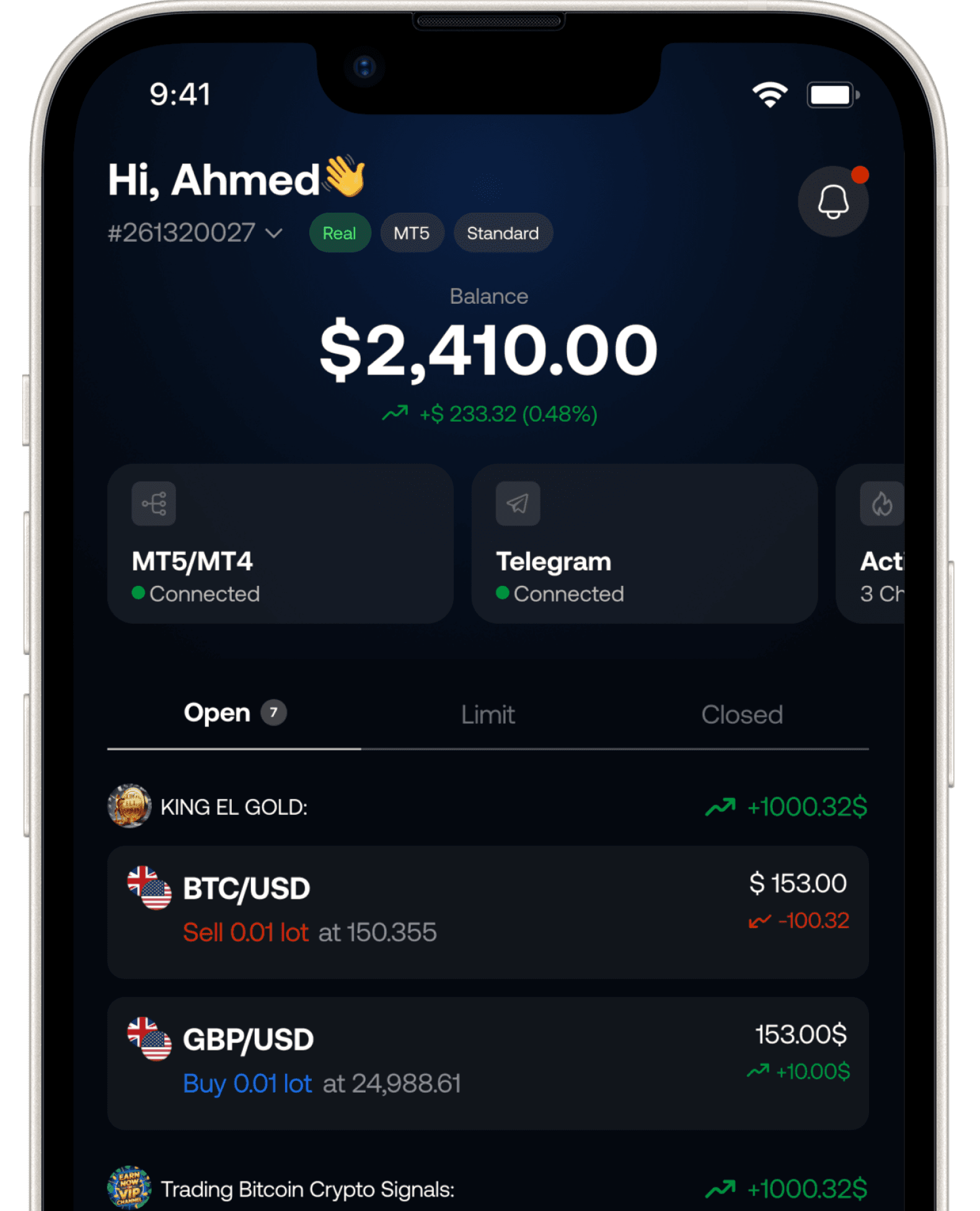
Review open orders, execution history, and rule-driven decisions without guessing.
Why Tragram
Built for traders who want automation with guardrails
Tragram is designed for signal followers who want faster execution without losing oversight of channels, rules, or account risk.

Approve or automate on your terms
Use manual review when you need it, and enable rule-based automation only where you trust the flow.

Pause quickly
Stop a channel, adjust settings, or disable execution without disconnecting everything.

Keep risk visible
Track how each channel is allowed to trade before new orders reach your MT account.
Execution companion
One workflow for channels, rules, and MT execution
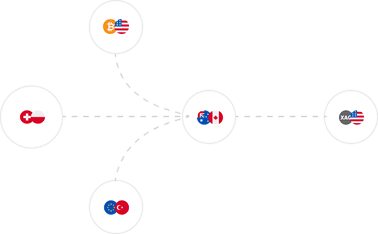
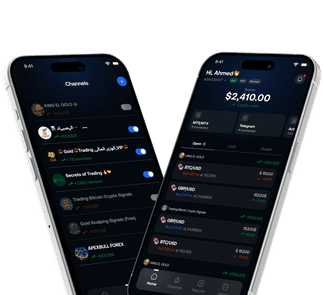
Bring Telegram signals, MT accounts, and execution rules into one place so you can review the flow before trades reach your account.
- Choose which Telegram channels Tragram should follow.
- Link MT4/MT5 accounts you want to manage.
- Set channel-specific approvals, filters, and sizing rules.
- Pause or tighten execution when conditions change.

Signal review without guesswork
Keep the signal path visible from intake to order status.

Automation you can interrupt
Change rules, pause channels, or review trades without rebuilding the setup.
Benefits
Follow more signals without giving up control

Review-ready signal flow
Incoming signals stay visible before and after execution so you can understand what is happening.

Per-channel execution setup
Configure symbols, approvals, and size behavior for each channel instead of relying on one global setting.
Fast intervention when conditions change
If a channel becomes noisy or market conditions shift, pause or tighten the workflow immediately.
- Adjust automation rules without reconnecting your accounts
- Keep trade decisions visible in your dashboard
Integrations
The trading stack you already use, connected
Tragram sits between Telegram and MT4/MT5 so you can keep your current signal sources while adding execution controls.
- Telegram channel listener
- MT4/MT5 execution bridge
- Billing and plan controls

FAQs
Answers for signal execution and automation
Common questions from traders who want to connect Telegram signals to MT4/MT5 without giving up control.
Choose channels, set rules, and decide how much automation is allowed.
Pause, adjust, or disable execution any time from your dashboard.
Tragram connects selected Telegram channels to your MT4/MT5 workflow. It helps you review, filter, and execute signals based on the rules you set.
No. You can keep a manual approval flow, allow rule-based automation for certain channels, or pause execution whenever you want.
Yes. You can set symbol filters, trade limits, sizing rules, and other channel-specific controls before trades go to your MT account.
You can disable or pause the channel from the dashboard and prevent new trades from being opened while you review the setup.
No. Tragram is a user-controlled execution and automation assistant. It does not sell signals or provide financial advice.
Yes. Tragram supports MT4 and MT5 accounts, with the exact workflow depending on your connected account and plan.
Ready to connect your setup?
Start with a workflow you can review, pause, and control
Create your account, connect Telegram and MT4/MT5, then decide how signals should be filtered and executed.