
Tragram Features

Connect trusted Telegram channels

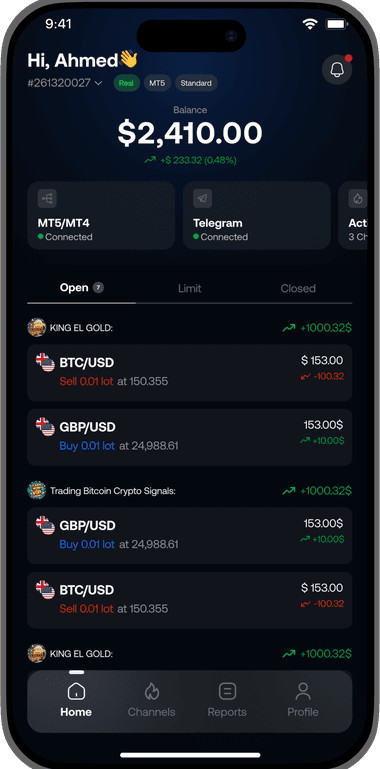
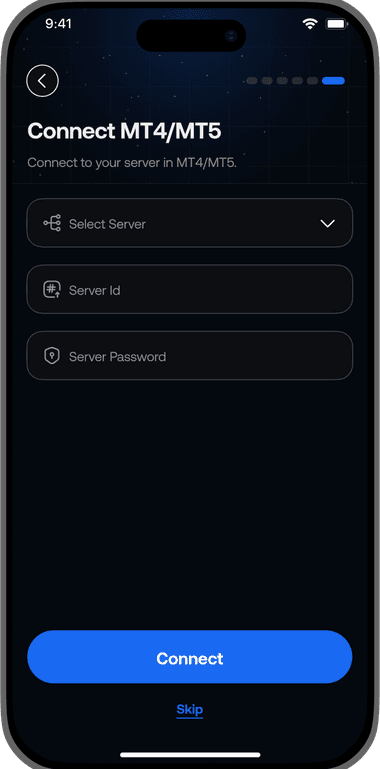
Link MT4/MT5 accounts

Configure channel execution rules

Limit risk by channel

Filter symbols before execution

Pause execution instantly

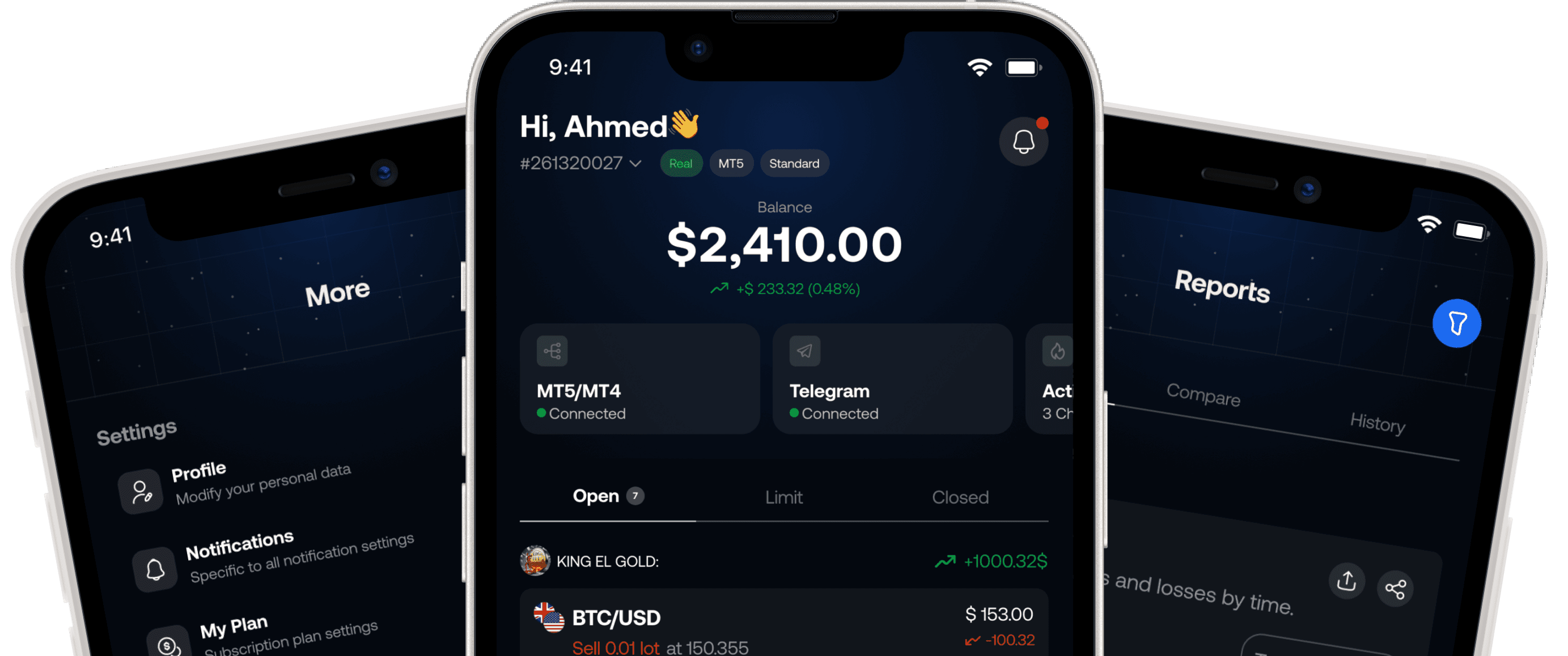
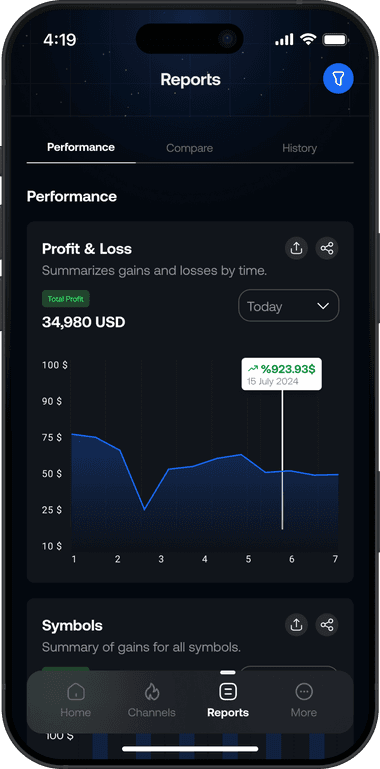
Track open and closed orders

Review every signal action
Tragram Benefits
Built for signal followers who want control before execution
Telegram-to-MT workflow
Connect the channels you trust and route eligible signals into MT4/MT5 with clear execution rules.
Channel-specific controls
Use execution rules, symbol filters, and risk settings tailored to how each channel should behave.
Faster intervention
Pause a channel or tighten execution rules quickly when signal quality or market conditions change.
FAQs
Answers for signal execution and automation
Common questions from traders who want to connect Telegram signals to MT4/MT5 without giving up control.
Choose channels, set rules, and decide how much automation is allowed.
Pause, adjust, or disable execution at any time from your dashboard.
Tragram connects selected Telegram channels to your MT4/MT5 workflow. It helps you review, filter, and execute signals based on the rules you set.
No. Eligible entries must pass the configured rules and target the selected execution account. Disabling new entries does not close existing broker positions.
Yes. You can set symbol filters, trade limits, sizing rules, and other channel-specific controls before trades go to your MT account.
You can disable or pause the channel from the dashboard and prevent new trades from being opened while you review the setup.
No. Tragram is a user-controlled execution and automation assistant. It does not sell signals or provide financial advice.
Yes. Tragram supports MT4 and MT5 accounts, with the exact workflow depending on your connected account and plan.